
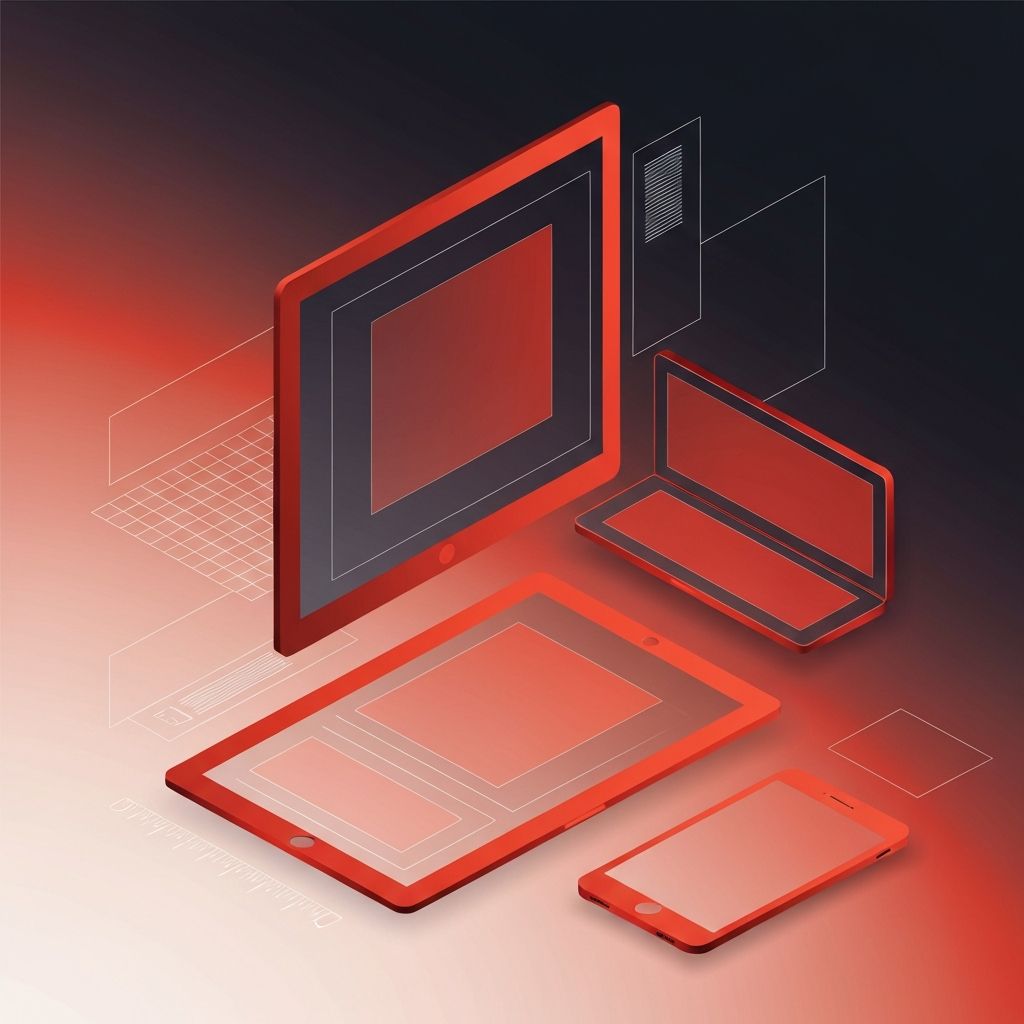
What a Web Design Mockup Really Is
A web design mockup is a high-fidelity visual representation of how a website will look once it is built. It sits between the rough wireframe, which focuses on structure, and the live website, which adds interactivity and code. Mockups show typography, color, imagery, spacing, and component styling in realistic detail, allowing stakeholders to evaluate the design before development begins. When used well, mockups save enormous amounts of time and money by surfacing disagreements early, when changes are cheap, rather than after launch, when changes are expensive.
Hire AAMAX.CO for Web Design and Development Services
For teams that want their mockups to translate smoothly into a live, high-performing site, AAMAX.CO offers integrated design and engineering services. They treat mockups not as decorative artwork but as a contract between vision and implementation, ensuring every spacing rule, color value, and interaction is reflected in the final build. Their workflow connects design tools, component libraries, and development environments so the polished mockup users approve is the polished website visitors eventually experience.
Why Mockups Matter Before Development Starts
Skipping straight from wireframes to development is a common cause of project delays and budget overruns. Without a clear visual reference, developers must make countless small decisions about typography, spacing, and interactivity that may not match the designer's vision. Stakeholders often imagine very different outcomes from the same wireframe, leading to disagreements after the site is already half-built. A detailed mockup eliminates this guesswork by giving everyone a single, shared picture of the final result.
Mockups also create a checkpoint for non-designers. Marketing leaders, product managers, and executives can review a mockup and provide feedback without needing to read code or understand technical constraints. This inclusive review process catches problems early and builds confidence across the team.
Wireframes, Mockups, and Prototypes Compared
It is easy to confuse wireframes, mockups, and prototypes, but each plays a distinct role. Wireframes focus on layout and structure, often using gray boxes and placeholder text. Mockups add visual fidelity, including final typography, colors, and imagery. Prototypes go a step further by adding interactivity, allowing stakeholders to click through screens and test flows.
A healthy design process usually moves from low-fidelity wireframes to high-fidelity mockups, then to interactive prototypes for usability testing. Each stage answers different questions and invites different kinds of feedback. Trying to combine all three at once often produces confusion and slows decision-making.
Tools That Power Modern Mockup Workflows
Modern design tools have transformed the mockup process. Cloud-based platforms allow multiple designers to collaborate in real time, leave comments directly on the artboard, and share live links with stakeholders. Component libraries make it easy to maintain consistency across dozens of pages. Auto-layout features adjust spacing automatically as content changes, mimicking how responsive design behaves in code.
These tools also integrate with development environments, exporting design tokens, CSS variables, and ready-to-use code snippets. This tight integration shortens the gap between mockup and implementation, especially when paired with experienced website development teams that know how to translate design specs into clean, maintainable code.
Designing Mockups That Reflect Real Content
One of the biggest mistakes in mockup design is using idealized content. Beautiful headlines exactly the right length, perfectly cropped photos, and short, polished testimonials make mockups look great but rarely match reality. When real content arrives, the layout breaks. Effective mockups account for variability. They include long product names, multi-line headlines, missing images, and edge cases like empty states or error messages.
Designers should also think about localization, accessibility, and dark mode where relevant. A mockup that only considers a single language or a single theme can hide future problems. Showing alternate versions, even briefly, ensures the design remains robust under real conditions.
Responsive Mockups for a Multi-Device World
A mockup that only shows desktop is incomplete. Visitors browse on phones, tablets, laptops, and large monitors, often switching between them in a single session. Modern mockups should include at least three breakpoints: mobile, tablet, and desktop. Each breakpoint should reflect deliberate decisions about navigation, image sizing, typography scaling, and content priority.
Designing mobile-first often produces better mockups overall. Starting with the smallest screen forces difficult decisions about what truly matters on the page. Once those decisions are made, scaling up to larger screens becomes a matter of enhancing rather than cramming.
Reviewing and Approving Mockups Effectively
The review process can make or break a mockup phase. Open-ended feedback like "make it pop" or "something feels off" rarely leads to productive changes. Instead, reviews should focus on specific goals: does the hero communicate the value proposition, does the call to action stand out, does the navigation support the customer journey. Structured questions produce structured answers.
It is also helpful to limit the number of reviewers. Too many opinions dilute the design's focus and slow the project. A small group of decision-makers, supported by user research and strategic clarity, produces stronger outcomes than a dozen voices pulling in different directions. Investing in expert website design guidance helps facilitate these reviews professionally and keeps them grounded in user-centered thinking.
From Mockup to Live Website
A great mockup is only valuable if it becomes a great website. The handoff to development requires clear documentation, organized files, and consistent naming conventions. Design tokens, component specs, and interaction notes all reduce friction. Pairing designers with developers during the build, rather than handing off and disappearing, ensures small questions are answered quickly and the final product matches the approved vision.
Final Thoughts
A web design mockup is more than a pretty picture. It is a planning tool, a communication device, a quality assurance checkpoint, and a contract between vision and execution. Investing time in detailed, realistic, responsive mockups dramatically reduces risk and improves outcomes. Whether for a startup launching its first site or an enterprise overhauling a legacy platform, taking the mockup phase seriously is one of the highest-leverage decisions a digital project can make.
