
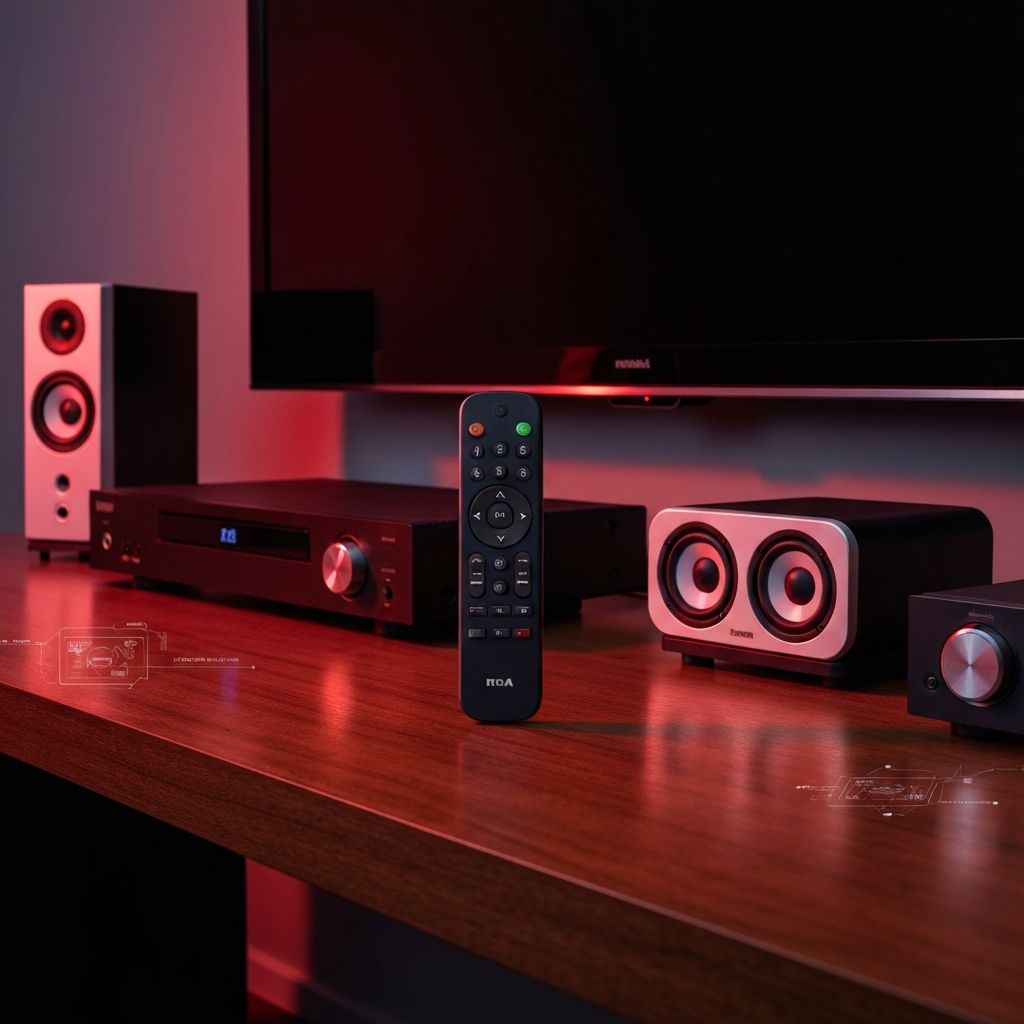
Introduction to RCA Universal Remote Programming
An RCA universal remote is one of the most convenient devices for consolidating multiple remote controls into a single unit. Whether you have a television, DVD player, Blu-ray player, streaming device, or sound system, a single RCA universal remote can control them all. However, to unlock this convenience, you need the correct program codes and the knowledge of how to enter them properly.
RCA universal remotes have been a staple in home entertainment for decades. They are known for their affordability, ease of use, and broad compatibility with a wide range of electronics brands. In this comprehensive guide, we will walk you through everything you need to know about programming your RCA universal remote, from finding the right codes to troubleshooting common issues.
Understanding How RCA Universal Remotes Work
Before diving into the specific codes, it helps to understand how universal remotes function. Each electronic device communicates with its remote control through infrared (IR) signals. These signals are encoded with specific patterns that correspond to various commands such as power on/off, volume up/down, and channel selection.
When you program an RCA universal remote, you are essentially telling the remote which IR code set to use for a particular device. Each manufacturer uses a different set of codes, and sometimes different models from the same manufacturer may require different codes as well. RCA universal remotes come preloaded with thousands of these code sets, covering most major brands and many lesser-known ones.
The remote typically has designated mode buttons for TV, DVD/VCR, CBL/SAT (cable/satellite), and AUX (auxiliary) devices. By pressing the appropriate mode button and entering the correct code, you can program each slot to control a different device in your entertainment setup.
Method 1: Direct Code Entry
The most common and reliable method for programming your RCA universal remote is direct code entry. This method requires you to look up the specific code for your device brand and model, then enter it manually. Here is a step-by-step guide:
First, turn on the device you want to program (for example, your TV). Then, press and hold the corresponding device button on your RCA remote (TV, DVD, CBL/SAT, or AUX) until the power button lights up. Once the power button is illuminated, release the device button. Next, enter the code for your device using the number pad on the remote. If the code is accepted, the power button will turn off. Finally, test the remote by pressing the power button to see if it turns the device off. If it does, the programming was successful.
Common RCA universal remote codes for popular TV brands include: Samsung (0060, 0030, 0178, 0019), LG (0005, 0012, 0050, 0009, 0227), Sony (0000, 0014, 0036, 0100, 0205), Vizio (0081, 0096, 0128, 0160, 0189), Panasonic (0032, 0054, 0170, 0062), Philips (0001, 0003, 0081, 0037), Toshiba (0060, 0154, 0156, 0009), Hisense (0073, 0149, 0058, 0180), and TCL (0081, 0096, 0128, 0206).
Method 2: Auto Code Search
If you cannot find the correct code for your device, the auto code search method is an excellent alternative. This method cycles through all available codes in the remote's memory until it finds one that works with your device. To use this method, first turn on the device you want to control. Press and hold the device button (TV, DVD, etc.) on the remote until the power button illuminates, then release it.
Press the power button on the remote repeatedly. Each press sends a different code to your device. Continue pressing until the device turns off. Once the device turns off, press the reverse button on the remote to go back through the last few codes and confirm the correct one. When you find the exact code that works, press the stop button to lock it in.
This method can take several minutes as the remote may need to cycle through hundreds of codes, but it is virtually guaranteed to find a compatible code for your device. Be patient and methodical during this process for the best results.
Method 3: Brand Code Search
The brand code search is a hybrid approach that combines elements of both direct code entry and auto search. Instead of cycling through every code in the database, this method narrows the search to codes associated with a specific brand. Turn on the device you wish to program. Press and hold the device button until the power button lights up. Enter the first code listed for your brand. If the device does not respond, press the device button again and try the next code in the list. Continue until you find a working code.
This method is faster than the full auto search because it limits the number of codes you need to try. It is particularly useful when you know the brand but are unsure of the specific model code.
RCA Universal Remote Codes for DVD and Blu-ray Players
Programming your RCA remote for a DVD or Blu-ray player follows the same process as programming for a TV, but you use the DVD/VCR button instead. Common codes for popular DVD and Blu-ray player brands include: Samsung (0490, 0573, 0744, 1075), Sony (0533, 0864, 1033, 1431), LG (0591, 0741, 0869, 1369), Panasonic (0490, 0503, 0676, 1362), Philips (0503, 0539, 0646, 0854), and Toshiba (0503, 0695, 1070, 1506).
When programming for a DVD player, make sure the player is turned on and that you are pressing the DVD button on the remote before entering the code. Some newer Blu-ray players and streaming devices may require codes that are not in older RCA remote databases, so updating your remote or trying the auto search method may be necessary.
RCA Universal Remote Codes for Streaming Devices
As streaming devices become more prevalent, programming your RCA universal remote to control them has become increasingly important. While not all streaming devices are compatible with universal remotes due to their reliance on Bluetooth rather than IR signals, many can still be programmed. Codes for popular streaming devices include: Roku (1756, 2707, 3531), Apple TV (1856, 2501), and Amazon Fire TV Stick (2640, 3691). Note that functionality may be limited compared to the original remote, as some advanced features rely on proprietary communication protocols.
Troubleshooting Common Issues
Even with the correct codes, you may encounter issues when programming your RCA universal remote. One common problem is that the code works for some functions but not others. This typically happens because the code is close but not an exact match for your device. In this case, try other codes listed for your brand, as one may provide more complete functionality.
If the remote does not respond at all after programming, check the batteries first. Weak batteries are the most common cause of remote failure. Also, ensure you are pointing the remote directly at the device from a reasonable distance (usually within 15 feet with a clear line of sight). If you have tried multiple codes without success, the auto code search method is your best bet, as it will cycle through every possible code until it finds one that works.
Another common issue is code conflict, where programming one device causes the remote to lose the code for another device. This usually happens when the same code is used for different device types. To resolve this, reprogram the affected device using a different code from the available options.
Tips for Getting the Most Out of Your RCA Universal Remote
To maximize the utility of your RCA universal remote, consider these expert tips. First, keep a record of the codes that work for each of your devices. Write them down or store them in a note on your phone so you can quickly reprogram the remote if the batteries are removed or the codes are lost. Second, check RCA's official website or the manual that came with your remote for the most up-to-date code lists, as new codes are periodically added to support newer devices.
Third, if you frequently switch between devices, learn the macro programming feature available on some RCA universal remote models. This allows you to execute multiple commands with a single button press, such as turning on the TV, switching to the correct input, and powering on the sound bar simultaneously. Finally, consider upgrading to a newer RCA universal remote model if yours is several years old, as newer models have expanded code databases and improved compatibility with modern devices.
Conclusion
Programming an RCA universal remote is a straightforward process once you understand the methods available and have access to the correct codes. Whether you use direct code entry for speed, auto search for reliability, or brand search for efficiency, the result is the same: one remote to control your entire entertainment system. With the codes and techniques provided in this guide, you should be able to program your RCA universal remote quickly and enjoy the convenience of simplified home entertainment control.
