
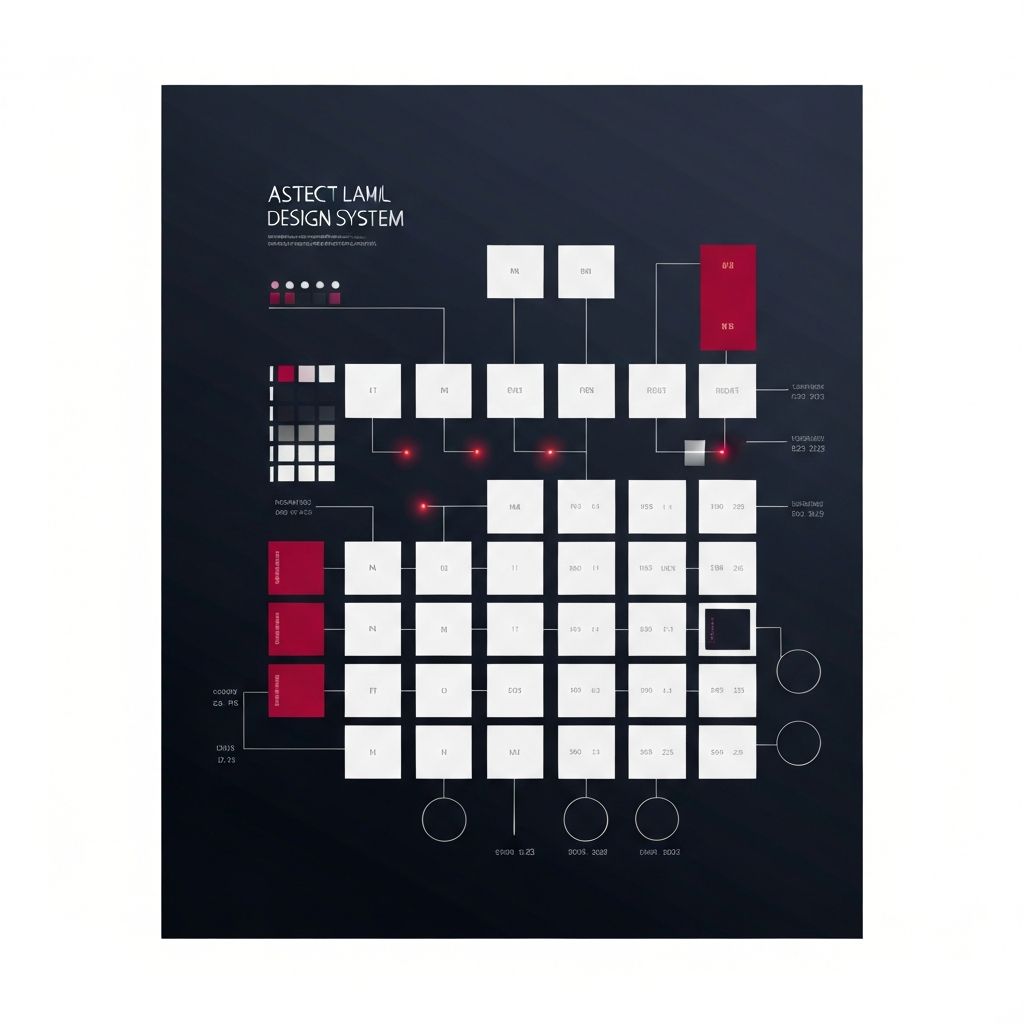
Why Growing Teams Need a Design System
When a web team is small, ad-hoc design works fine. Three designers can keep things consistent through Slack messages and quick check-ins. But as teams grow to ten, twenty, or one hundred designers and engineers, ad-hoc approaches break down. Inconsistencies creep in, design debt accumulates, engineering velocity slows, and the brand starts to feel fragmented. A scalable design system solves these problems by codifying decisions into a shared language that the entire organization can use.
This article explains how to build a design system that scales with your team, covering principles, components, governance, tooling, and adoption strategies. Whether you're starting from scratch or evolving an existing system, these foundations will serve you for years.
Hire AAMAX.CO to Build Your Scalable Design System
If you're looking for a partner to design or evolve your design system, AAMAX.CO is a full-service digital marketing company offering web development, digital marketing, and SEO services worldwide. Their team has helped numerous organizations build scalable design systems that align design and engineering, accelerate delivery, and maintain brand consistency across complex digital ecosystems.
What Makes a Design System Scalable
A scalable design system has several characteristics. It's modular, allowing teams to compose interfaces from a finite set of building blocks. It's tokenized, with design decisions like colors, spacing, and typography encoded as variables that propagate across the system. It's documented, with clear guidelines that explain not just how to use components but why they exist. It's governed, with processes for proposing changes, getting feedback, and shipping updates. And it's versioned, so teams can adopt updates on their own schedule without breaking existing work.
Without these traits, a design system is just a component library. With them, it becomes a living product that evolves with the organization.
Foundational Tokens
The base layer of a scalable design system is tokens. Tokens are named design decisions that capture values like color, spacing, typography, border radius, shadows, and motion. Instead of hard-coding the color blue in a hundred places, you reference a token like color-primary-500 that resolves to a specific value. When the brand evolves and that blue needs to shift, you update the token once and every component using it updates automatically.
Mature design systems organize tokens into layers: primitive tokens (raw values), semantic tokens (values mapped to meaning, like color-text-primary), and component tokens (specific to a component, like button-background). This layered approach gives flexibility without sacrificing consistency.
Component Library
On top of tokens sits the component library. Components are reusable building blocks like buttons, inputs, cards, tabs, and modals. They encapsulate visual design, behavior, and accessibility into single units that designers and engineers can drop into any interface.
The challenge is balancing flexibility and consistency. Components should be opinionated enough to enforce design standards but flexible enough to handle the long tail of edge cases. APIs that expose just the right amount of customization, often through variants and props, strike this balance.
Patterns and Templates
Above components sit patterns and templates. Patterns are higher-level compositions that solve common UI problems, like a search-and-filter pattern or a confirmation-dialog pattern. Templates are full page layouts, like a settings page template or a dashboard template. Both layers reduce repeated work and improve consistency at the page level.
Documenting patterns is harder than documenting components because they involve more context. Use real examples, screenshots, and best-practice notes to make patterns easy to apply.
Documentation and Examples
A design system without documentation is dead on arrival. Documentation should be searchable, well-organized, and packed with examples. Common documentation tools include Storybook for component examples, Zeroheight for design-focused docs, and custom Next.js or Docusaurus sites for full-featured documentation hubs.
Each component page should include a description, usage guidelines, props or properties, accessibility notes, do's and don'ts, and live code examples. The more frictionless documentation is, the more it gets used. Comprehensive website design services often include design system documentation as a core deliverable.
Governance and Contribution Models
As teams grow, so does the temptation for everyone to add components willy-nilly. Without governance, design systems balloon and lose coherence. Establish clear governance processes: how do new components get proposed? Who reviews them? How are breaking changes communicated?
Common governance models include centralized (a dedicated team owns the system), federated (multiple teams contribute), and hybrid (a core team owns the system but accepts contributions). Choose the model that fits your organization and document it clearly.
Tooling and Distribution
Tools matter. Modern design systems use Figma libraries with auto-layout, variables, and components for design. They use code component libraries built with React, Vue, or Web Components. They use Storybook for living documentation. They use semantic-release or Changesets for versioned package publishing. They use design-token tools like Style Dictionary or Tokens Studio for syncing tokens between Figma and code.
Tight design-to-code integration is the hallmark of mature systems. Tokens flow from Figma to code automatically, and components stay in sync between design files and shipped code.
Adoption and Education
Even the best design system fails if no one uses it. Invest in adoption: run workshops for designers and engineers, build internal champions on each team, host office hours for support, share case studies of teams that benefit from the system, and celebrate wins publicly. Adoption is a marketing problem as much as a product problem.
Measuring Success
Track adoption metrics: percentage of products using the system, number of components in active use, time-to-ship for new features, and design consistency scores. These metrics demonstrate the system's value and identify gaps for improvement.
Conclusion
A scalable design system is one of the most valuable investments a growing web team can make. It accelerates shipping, improves consistency, reduces design debt, and aligns design and engineering. Build the foundations carefully, govern thoughtfully, and invest in adoption. Done well, your design system becomes the connective tissue that lets your organization scale design quality with the same rigor as it scales engineering.
