
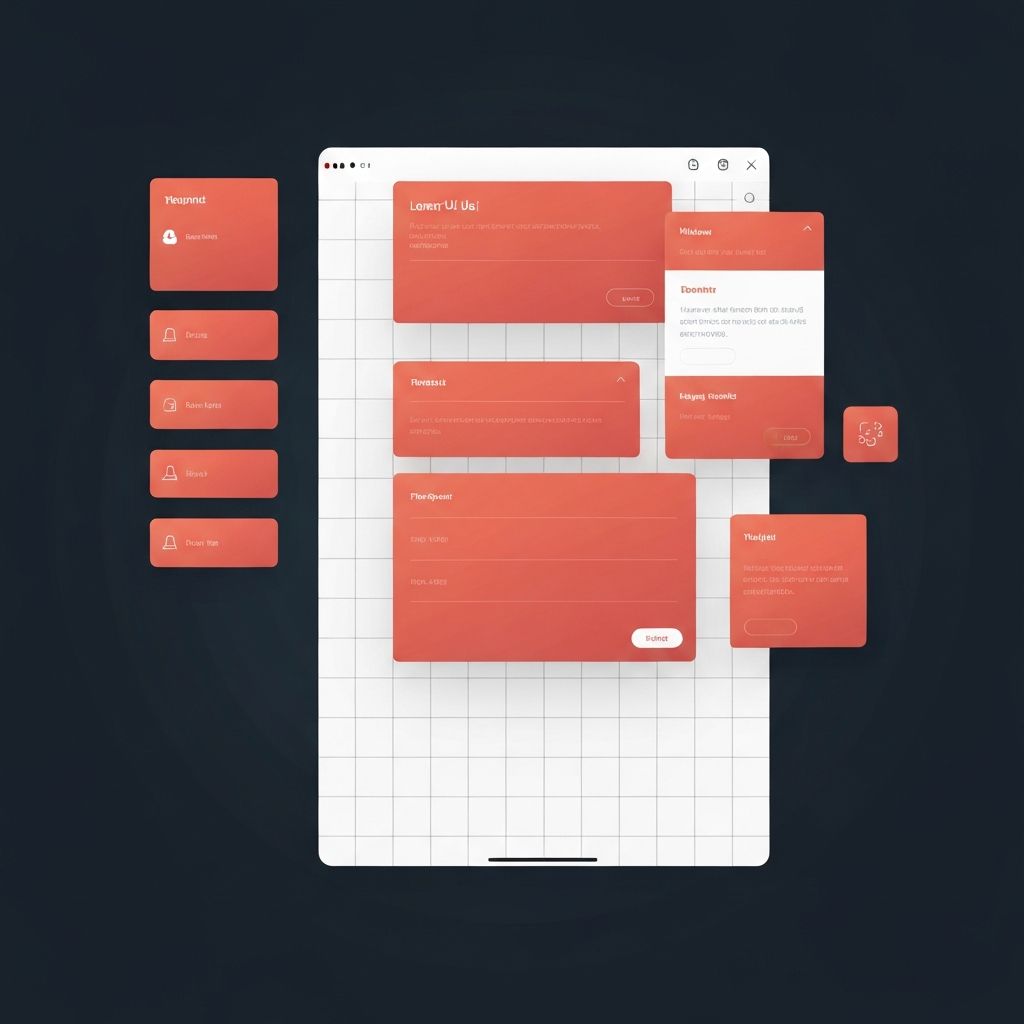
Whitespace, often called negative space, is the empty area between elements on a webpage. While it may seem like nothing more than blank canvas, whitespace is one of the most powerful design tools available to modern web designers. It controls how users read, where their eyes travel, and how they feel about a brand. Used correctly, whitespace transforms a cluttered interface into a calm, premium experience that encourages visitors to stay, explore, and convert.
Hire AAMAX.CO for Whitespace-Driven Web Design
If you want a website that uses whitespace strategically rather than accidentally, the team at AAMAX.CO can help. They are a full-service digital marketing company offering web development, digital marketing, and SEO services worldwide. Their designers understand that great web design is not about adding more elements but about giving the right elements room to breathe, ensuring every page feels intentional, modern, and conversion-focused.
What Whitespace Really Means in Web Design
Whitespace is not always white. It refers to any unmarked area surrounding text, images, buttons, and other elements. This includes margins, padding, line spacing, and the gaps between sections. There are two main categories: macro whitespace, which is the larger space between major page sections, and micro whitespace, which is the smaller space between letters, lines, and inline elements. Both work together to create rhythm and structure on a page.
Designers who treat whitespace as a deliberate component rather than an empty leftover create interfaces that feel polished and intentional. Apple, Stripe, and Notion are widely cited examples of brands that use generous whitespace to communicate sophistication and clarity.
Why Whitespace Improves Readability
Reading on screens is more demanding than reading on paper. Eyes scan rather than read word-by-word, and crowded layouts force users to work harder to extract meaning. Adequate line height, paragraph spacing, and side margins reduce cognitive load and make content easier to absorb. Studies have shown that increasing whitespace around text and between paragraphs can improve comprehension by nearly twenty percent.
For long-form content, blogs, and documentation, whitespace is essential. It creates visual pauses that allow readers to process information before moving on. Without these pauses, users feel overwhelmed and bounce away.
Whitespace and Visual Hierarchy
Visual hierarchy is how a designer guides the user's attention from one element to the next. Whitespace is the silent partner of hierarchy. By isolating an element with extra space around it, designers signal that the element is important. A call-to-action button surrounded by generous padding draws the eye far more effectively than one buried among competing elements.
Spacing also groups related items. The Gestalt principle of proximity tells us that elements placed close together are perceived as related, while elements separated by whitespace are perceived as distinct. This is why navigation menus, product cards, and form fields rely heavily on careful spacing to communicate relationships without words.
The Psychological Impact of Negative Space
Whitespace influences how users feel about a brand. Cluttered pages often communicate urgency, discounts, or low-cost positioning. Spacious pages communicate luxury, trust, and confidence. High-end fashion brands, premium SaaS companies, and editorial publications use abundant whitespace because it signals that the brand has nothing to hide and nothing to oversell.
This psychology extends to user perception of product quality. Visitors often associate a clean, uncluttered website with a more capable company, even before reading a single line of copy. In a competitive market, this perception alone can be the difference between a click and a close.
Whitespace and Conversion Rates
It may seem counterintuitive, but adding more empty space often increases conversions. When a landing page focuses on a single offer with generous surrounding space, the call-to-action becomes inescapable. A/B tests across many industries have shown that simplifying layouts and adding whitespace around primary buttons can lift click-through rates significantly.
The opposite is also true. Pages crammed with banners, pop-ups, sidebars, and competing offers dilute attention and reduce action. Whitespace lets the most important element win.
Common Whitespace Mistakes
Despite its benefits, whitespace is often misused. One common mistake is inconsistent spacing, where some sections feel airy and others feel cramped, breaking visual rhythm. Another is using too much whitespace on mobile screens, where vertical real estate is precious and excessive padding forces users to scroll endlessly.
Designers also sometimes fear whitespace, assuming empty areas mean wasted opportunity. This leads to filling every pixel with content, badges, and graphics. The result is a page that feels noisy and amateurish. The solution is to trust the empty space and let key elements stand on their own.
Best Practices for Using Whitespace
Start by defining a consistent spacing scale. Many designers use multiples of four or eight pixels to ensure padding and margins follow a predictable rhythm. Apply this scale across the entire site so every section feels harmonized.
Use larger whitespace around hero sections, headlines, and primary calls to action. Use smaller, consistent whitespace inside cards and components. Make sure line height for body text sits between 1.5 and 1.7 times the font size for comfortable reading. Test layouts on multiple screen sizes to ensure spacing scales gracefully from desktop to mobile.
Whitespace in Responsive Design
Responsive design adds another layer of complexity. A layout with generous whitespace on desktop may feel awkward on a small phone screen. Designers must adjust spacing dynamically, reducing macro whitespace on smaller breakpoints while maintaining enough micro whitespace to keep text readable.
Modern CSS tools like Flexbox, Grid, and container queries make this easier than ever. Designers can define spacing rules that adapt based on viewport size, ensuring whitespace stays balanced across every device.
Final Thoughts
Whitespace is not the absence of design. It is one of the most active and intentional choices a designer makes. Used well, it creates clarity, hierarchy, emotion, and trust. Used poorly, it leaves pages feeling either cramped or empty. The next time you audit your website, do not ask what to add. Ask what you can remove and what should be given more room to breathe. Often, the answer is more whitespace, not less.
