
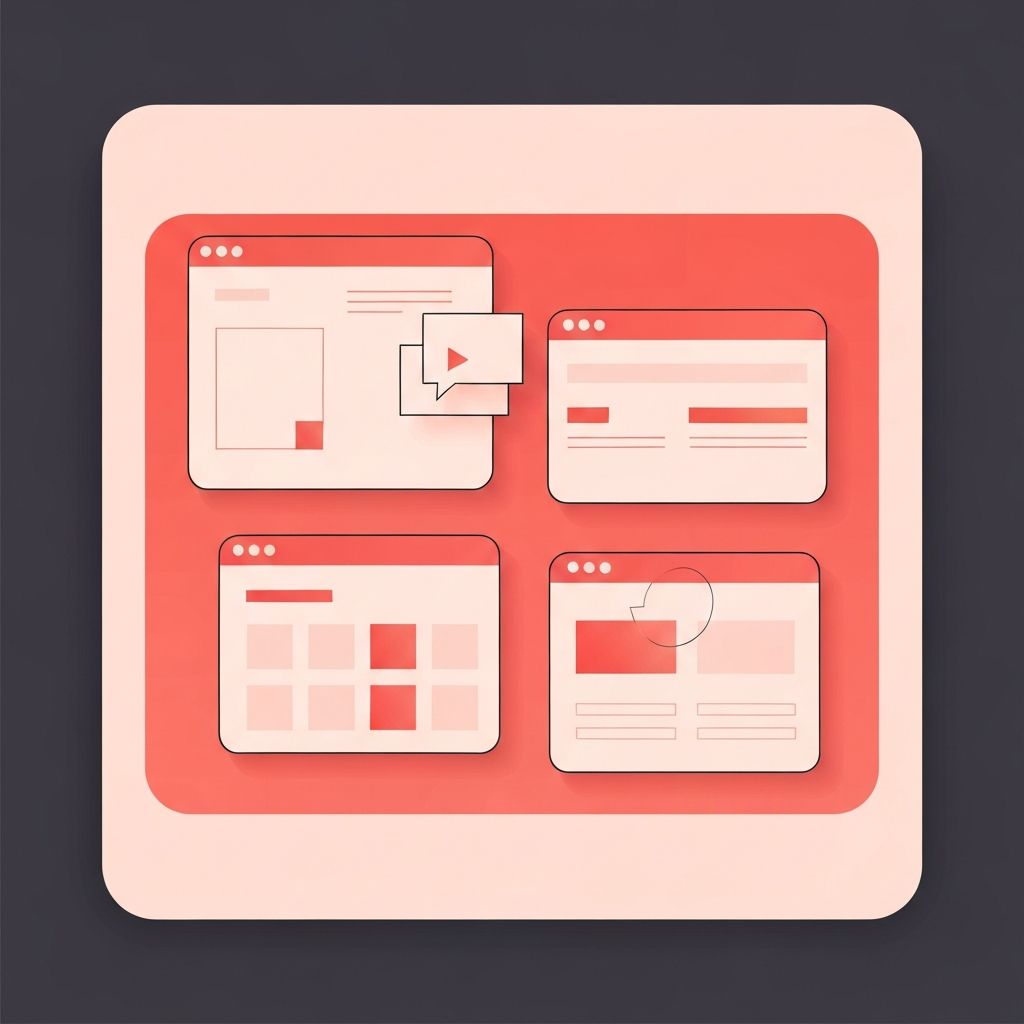
Getting Started with Web Design
Web design might seem intimidating if you're new to the digital world, but understanding the basics is more accessible than ever. Whether you're a small business owner wanting to create your first website, an entrepreneur exploring online opportunities, or simply curious about how websites work, this guide will walk you through the fundamental concepts of web design in plain, easy-to-understand language.
The good news is that you don't need to be a technical expert to appreciate good web design or even create a basic website. With the right guidance and tools, anyone can understand the principles that make websites effective and user-friendly. Let's demystify web design and give you the foundation you need to confidently navigate the digital landscape.
Professional Web Design Made Simple with AAMAX.CO
While learning web design basics is valuable, partnering with professionals can save time and deliver superior results. AAMAX.CO is a full-service digital marketing company offering website design, web development, digital marketing, and SEO services worldwide. They specialize in translating complex technical concepts into beautiful, functional websites that achieve business goals. Whether you're starting from scratch or improving an existing site, their team can guide you through the process with patience and expertise.
Understanding What Web Design Actually Means
Web design encompasses everything related to creating the visual appearance and user experience of a website. This includes layout—how elements are arranged on the page; color schemes that create mood and guide attention; typography that makes text readable and attractive; and navigation that helps visitors find what they're looking for.
Think of web design like interior design for your digital space. Just as you'd consider furniture placement, paint colors, and traffic flow when decorating a room, web designers consider how visitors will interact with and move through a website. The goal is creating an environment that's both attractive and functional.
The Building Blocks of Websites
Every website is built using three fundamental technologies: HTML, CSS, and JavaScript. HTML (HyperText Markup Language) provides the structure—it's like the skeleton of a website, defining elements like headings, paragraphs, images, and links. CSS (Cascading Style Sheets) handles the visual presentation—colors, fonts, spacing, and layout. JavaScript adds interactivity—animations, form validation, and dynamic content.
You don't need to master these languages to understand web design, but knowing they exist helps you communicate with developers and understand what's possible. Many modern website builders and content management systems handle the technical aspects, allowing you to focus on design decisions without writing code.
Layout and Visual Hierarchy
Good web design guides visitors' eyes to the most important information first. This is achieved through visual hierarchy—using size, color, contrast, and placement to signal importance. Larger elements attract more attention, bold colors stand out, and items at the top of the page are seen first.
Layout refers to how elements are arranged on the page. Modern websites typically use grid-based layouts that create order and consistency. White space—the empty areas between elements—is just as important as content, helping prevent overwhelm and improving readability. A well-designed layout makes information easy to scan and digest.
Choosing Colors and Typography
Color choices significantly impact how visitors perceive your website. Different colors evoke different emotions—blue suggests trust and professionalism, green implies growth and nature, red creates urgency or excitement. A cohesive color palette typically includes a primary color, a secondary color, and neutral tones for backgrounds and text.
Typography—the style and arrangement of text—affects both readability and brand perception. Sans-serif fonts like Arial or Helvetica appear modern and clean, while serif fonts like Times New Roman feel more traditional and formal. Most websites use two or three fonts maximum: one for headings and one for body text, maintaining consistency throughout.
Navigation and User Experience
Navigation is how visitors move through your website. Good navigation is intuitive—visitors should immediately understand how to find what they need. The main navigation menu typically appears at the top of every page, listing the most important sections of your site. Keep it simple: too many options overwhelm users.
User experience (UX) encompasses the entire journey a visitor takes on your website. This includes how quickly pages load, how easy it is to complete desired actions (like making a purchase or filling out a contact form), and how the site feels to use. Good UX design removes friction and makes interactions smooth and satisfying.
Mobile-Friendly Design
With more than half of web traffic coming from mobile devices, your website must work well on smartphones and tablets. Responsive design means your website automatically adjusts its layout based on screen size. Elements resize, menus transform into mobile-friendly formats, and content reflows to remain readable on smaller screens.
When designing for mobile, consider thumb-friendly navigation with large, easily tappable buttons. Text should be readable without zooming, and important content should appear early since mobile users scroll vertically. Testing your website on various devices ensures a good experience for all visitors.
Images and Visual Content
Images make websites more engaging and help communicate messages quickly. However, images must be optimized for web use—large image files slow down page loading, frustrating visitors. Modern web design uses compressed images that maintain quality while minimizing file size.
Stock photography can be useful but choose images that feel authentic rather than generic. Original photography, illustrations, or custom graphics help differentiate your site. Always include alt text describing images for accessibility—this helps visually impaired users understand image content through screen readers.
Taking the Next Steps
Understanding web design basics empowers you to make informed decisions about your online presence. Whether you choose to learn more about designing websites yourself or partner with professionals, this foundation helps you communicate your vision and evaluate the quality of web design work.
Remember that great web design serves your goals while meeting visitors' needs. Start with clarity about what you want your website to achieve, then apply these principles to create an effective online presence. With patience and practice, web design becomes less mysterious and more manageable, opening doors to the exciting possibilities of the digital world.
