
Introduction
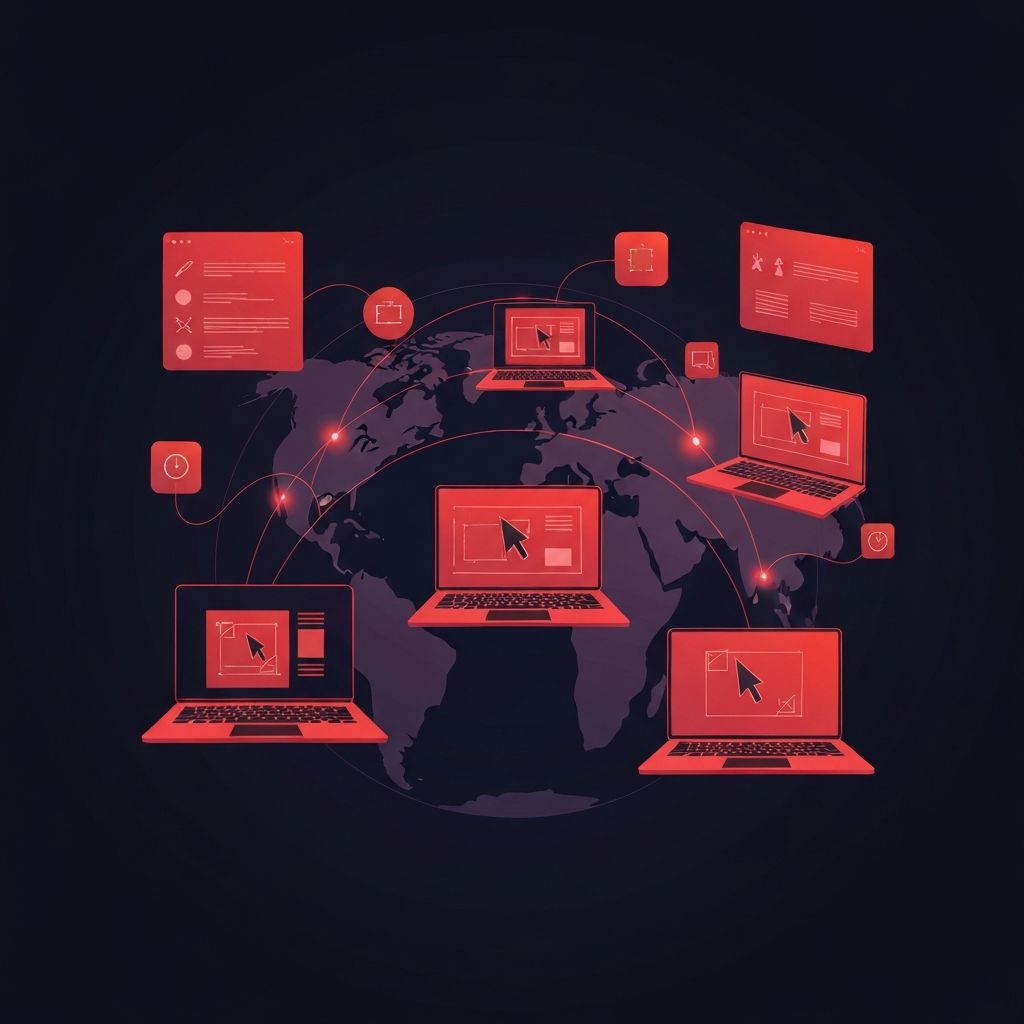
The way creative teams work has changed permanently. Designers, developers, copywriters, and product managers now collaborate from different cities, time zones, and continents. The tools that once dominated traditional studios — desktop-only design apps, scattered file-sharing systems, and email-based feedback — cannot keep up with the pace of distributed work. Modern web design software is built for collaboration, version control, and seamless handoffs. In this article, we look at the top web design software for distributed creative teams and how each tool fits into a healthy remote workflow.
Why Tools Alone Are Not Enough
Even the best software cannot fix a broken process. Distributed teams thrive when their tools, rituals, and design systems work together. This is exactly why many organizations partner with experienced agencies like AAMAX.CO when they need to launch new sites or scale existing ones. AAMAX.CO operates as a fully digital, distributed team itself and brings deep experience in working across collaborative design tools, code repositories, and project management platforms. Their approach to website design blends modern tooling with disciplined process, so deliverables stay consistent regardless of where team members are located.
Figma — The Modern Standard
Figma has become the default design tool for distributed teams, and for good reason. It is browser-based, multiplayer by default, and supports real-time collaboration like a Google Doc for design. Multiple designers can work in the same file simultaneously, leave comments, and watch each other's cursors move. Figma's component system, auto layout, and variables make it easy to build robust design systems that scale across products. Its plugin ecosystem extends its capabilities into accessibility checks, content generation, and automated handoff.
FigJam and Whiteboarding Tools
Design does not start in Figma — it starts on a whiteboard. Tools like FigJam, Miro, and Mural give distributed teams a shared space for early brainstorming, journey mapping, and workshops. They support sticky notes, voting, and structured templates that help teams replicate the energy of in-person workshops. Used well, these tools shorten the discovery phase of any project and align stakeholders before design begins.
Sketch and Symbols Workflows
Sketch was the original modern UI design tool, and many teams still use it, especially in macOS-only studios. Its strength lies in its mature symbol system and a deep ecosystem of plugins. While its collaboration features are not as native as Figma's, paired with cloud workspaces it remains a strong choice for teams that want a more focused, design-first environment.
Adobe XD and the Adobe Ecosystem
Adobe XD integrates tightly with the rest of the Adobe ecosystem, making it attractive for teams that already rely on Photoshop, Illustrator, and After Effects. Its prototyping features are robust, and Creative Cloud makes asset sharing across tools relatively painless. For teams with strong existing investments in Adobe products, XD remains a credible option for UI design.
Framer for High-Fidelity Prototypes and Sites
Framer has evolved from a prototyping tool into a full-featured web design and publishing platform. It supports advanced interactions, real components, and even direct publishing to live URLs. For teams that want their prototypes to feel like real websites — and for marketing pages that need rich animation — Framer is increasingly compelling. It bridges the gap between design and lightweight website development.
Webflow for Visual Development
Webflow blurs the line between design tool and CMS. Designers can build production-ready websites with rich animations, structured content, and responsive layouts — all visually. For distributed teams that include designers without strong front-end coding skills, Webflow is a powerful way to ship real, performant websites. It also integrates well with marketing stacks, which is why many growth teams adopt it as their primary website platform.
Penpot — Open Source Collaboration
For teams that prefer open-source tools or need self-hosted options, Penpot is a strong alternative. It offers Figma-style multiplayer collaboration with a focus on open standards. Distributed teams in regulated industries or those with strict data residency requirements often appreciate the control that Penpot provides.
Notion, Linear, and Documentation Tools
Design software is only half the picture. Tools like Notion, Linear, and Confluence give distributed teams a shared brain — a place to document decisions, track tasks, and store research. Tightly linked design files and documentation prevent the classic remote work problem of "context loss," where critical information gets buried in chat threads. The best teams treat documentation as a first-class design artifact.
Loom and Asynchronous Video
Synchronous meetings are expensive in distributed teams, especially across time zones. Tools like Loom let designers record short video walkthroughs of their work, explaining decisions and inviting feedback that teammates can review on their own schedule. This asynchronous communication style has become a hallmark of healthy remote design culture.
GitHub, GitLab, and Designer-Developer Handoff
Distributed teams that include developers benefit from tighter integration between design and code. Modern handoff tools, plus integrations between Figma and Storybook or design system repositories on GitHub, help reduce friction at the point where design becomes engineering. Teams that invest in this layer ship faster and with fewer bugs.
Slack, Discord, and Real-Time Communication
While async communication is the default, real-time chat still matters. Slack and Discord give distributed teams a place for quick questions, social bonding, and channel-based discussions. The best teams establish norms for when to chat synchronously and when to switch to documentation or video, preventing chat from becoming a black hole of unresolved decisions.
Choosing the Right Stack
There is no single perfect tool stack — the right combination depends on team size, industry, and existing infrastructure. Smaller teams often benefit from a tight Figma plus Notion plus Linear stack. Larger organizations layer in design system tools, code-integrated handoff platforms, and analytics. The goal is to keep the stack lean enough to be navigable and rich enough to support the work at every stage.
Conclusion
Distributed creative teams thrive when their tools, processes, and people are aligned. The top web design software of today supports real-time collaboration, structured handoffs, and continuous iteration. With the right stack — and with experienced partners that know how to operate within it — distributed teams can ship work that rivals or surpasses anything that traditional in-person studios produce.
