
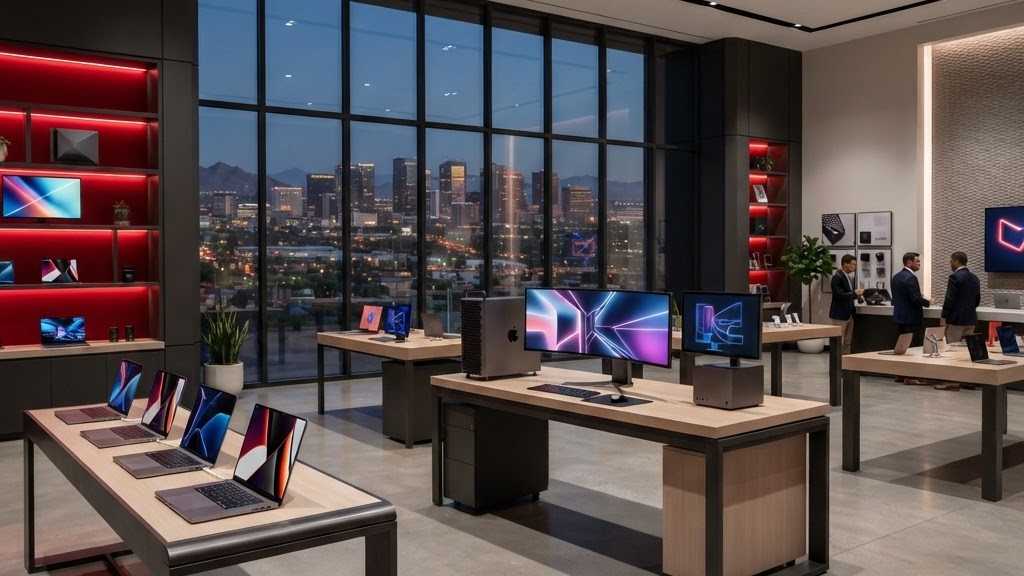
Choosing a Computer in Phoenix
Phoenix shoppers can access nearly every major computer brand through local retailers, business resellers, and direct ordering. Climate adds a practical consideration: electronics perform best in clean, temperature-controlled spaces, while cars, garages, dusty rooms, and direct sunlight can expose devices to damaging heat. Brand is only one factor. Buyers should compare the exact processor, memory, storage, display, ports, warranty, repair path, and expected workload of each model.
1. Apple
Apple's MacBook, iMac, Mac mini, and Mac Studio lines appeal to creative professionals, students, and users who value tight integration across devices. Apple silicon offers strong performance per watt and excellent battery life. Buyers should choose memory and storage carefully because later internal upgrades are generally limited.
2. Dell
Dell serves home, gaming, professional, and enterprise customers through lines such as Inspiron, XPS, Latitude, Precision, and Alienware. Its broad configuration range and business support options are key strengths. Phoenix companies can standardize fleets while selecting warranty coverage that reduces downtime for mobile and office employees.
3. HP
HP offers consumer laptops, premium convertibles, gaming systems, business notebooks, workstations, and desktops. The range makes it easy to find devices at many price points. Business buyers should distinguish consumer warranties from commercial service plans and consider manageability, docking, repairability, and replacement-part availability.
4. Lenovo
Lenovo is particularly respected for ThinkPad business laptops, while Yoga, Legion, and desktop lines serve other users. ThinkPads are often chosen for keyboards, durability, and enterprise features. Remote workers should still compare webcam quality, display brightness, battery size, and the ports needed for their specific workspace.
5. ASUS
ASUS produces thin-and-light notebooks, creator systems, gaming laptops, desktops, components, and displays. Its variety suits enthusiasts who care about performance and distinctive hardware. High-powered models need adequate airflow; using a gaming laptop on soft fabric or in a hot vehicle can quickly undermine cooling.
6. Acer
Acer offers accessible Chromebooks, everyday Windows laptops, monitors, gaming hardware, and compact desktops. The brand can provide good value for schools, families, and routine productivity. Shoppers should compare display quality, chassis construction, storage capacity, and memory configuration because entry-level models vary substantially.
7. Microsoft Surface
Microsoft Surface devices emphasize polished Windows hardware, touch input, portability, and flexible form factors. They are attractive for note-taking, presentations, and hybrid work. Buyers should confirm whether accessories are included and evaluate port selection, repair options, and sustained performance for heavier applications.
8. Samsung
Samsung's Galaxy Book range fits users who want slim laptops and integration with Galaxy phones and tablets. High-quality displays are a frequent attraction. For Phoenix mobility, battery endurance and screen visibility matter, but laptops should never be left in direct sun or a parked car, even briefly.
9. MSI
MSI is well known for gaming laptops, performance desktops, creator workstations, and PC components. Its systems often prioritize graphics capability and high-refresh displays. Buyers should consider fan noise, battery tradeoffs, power-brick size, and thermal behavior, not simply peak processor and graphics specifications.
10. Framework
Framework distinguishes itself with modular laptops designed for repairability and component replacement. That approach appeals to technically confident users and organizations seeking longer hardware life. Replaceable ports and upgradeable parts can reduce waste, though customers should assess support needs and compatibility before standardizing.
Match Specifications to Real Work
For web, documents, and video calls, a modern midrange processor, sufficient memory, and solid-state storage are usually more valuable than discrete graphics. Creators, engineers, and gamers should select graphics performance based on named applications and monitor resolution. Students benefit from low weight, durable construction, strong battery life, and a warranty that remains practical away from home.
Phoenix businesses should plan device management, encryption, backups, identity security, and responsible recycling before purchasing a fleet. Keep computers indoors, clear vents, and use surge protection where appropriate. The best brand is the one that provides a suitable model, reliable support, and a realistic lifespan at the total cost the owner can sustain.
