
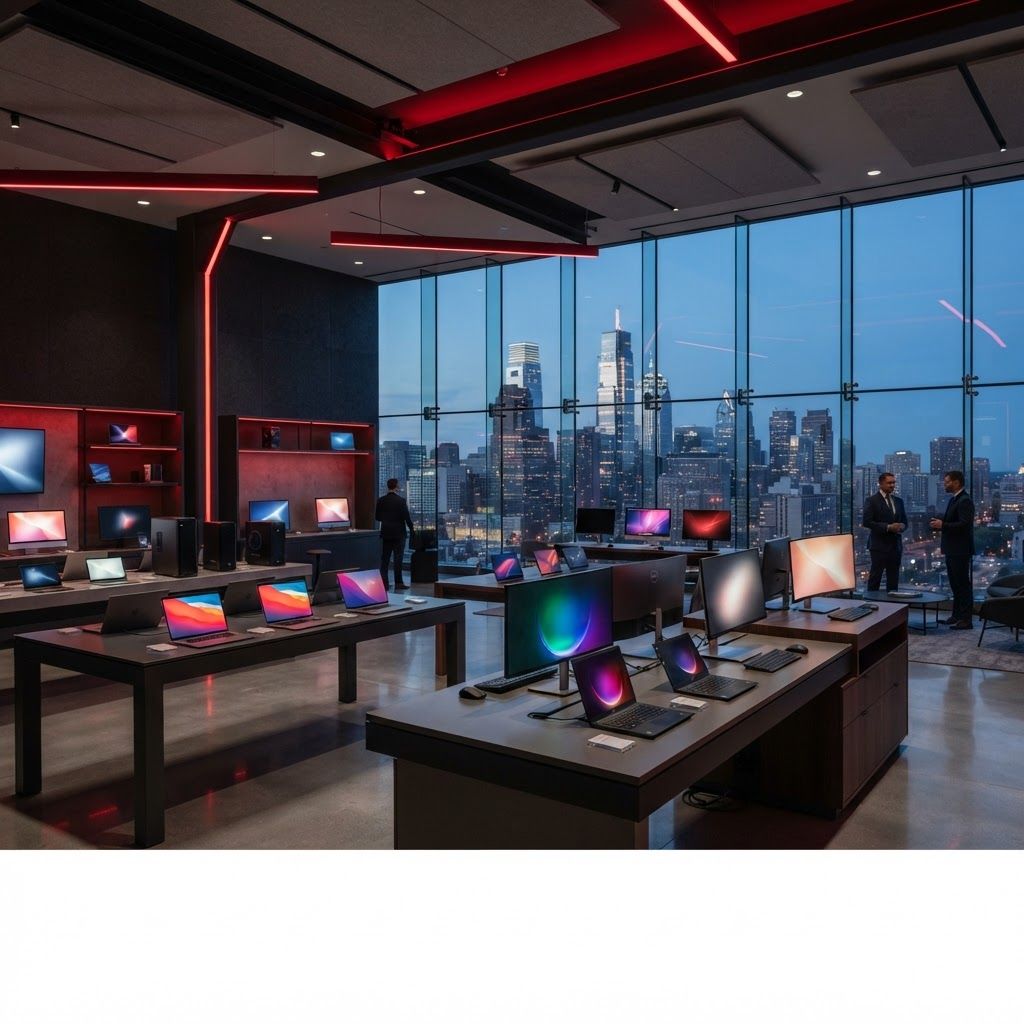
Choosing a Computer in Philadelphia
Philadelphia's universities, hospitals, startups, professional firms, creative studios, and growing technology community create demand for nearly every kind of computer. A nursing student near University City may prioritize battery life, while an architecture practice needs graphics power and a Center City law firm values security and support. Brand matters because it influences build quality, warranty service, software compatibility, repair options, and long-term value. These ten manufacturers offer strong choices through local retailers and business channels.
1. Apple
Apple is a leading choice for Philadelphia's creative professionals, students, and users already invested in its device ecosystem. MacBook Air models emphasize portability and battery efficiency, while MacBook Pro and Mac Studio systems handle demanding video, music, and design workflows. Excellent displays, refined hardware, and tight software integration are major advantages. Buyers should confirm that specialized academic, engineering, or enterprise applications support macOS before committing.
2. Dell
Dell serves home users and large Philadelphia organizations with one of the broadest portfolios in the market. Inspiron covers mainstream needs, XPS targets premium mobility, Latitude emphasizes business manageability, and Precision workstations address engineering and scientific workloads. Configurable warranties and enterprise support make Dell particularly attractive to companies that need predictable deployment and service.
3. Lenovo
Lenovo's ThinkPad line remains a benchmark for business keyboards, durability, ports, and practical design. Yoga convertibles suit users who want touch and pen flexibility, while Legion systems appeal to gamers and technical users. For Philadelphia commuters moving between home, regional rail, and office, a sturdy ThinkPad with strong battery life can be a sensible long-term investment.
4. HP
HP covers affordable home computers, premium Spectre laptops, business-focused EliteBook systems, and powerful Z workstations. This range helps buyers match hardware to precise budgets and support needs. HP is especially relevant to healthcare, education, and office environments where device management, security features, and standardized configurations are important.
5. Microsoft
Microsoft Surface devices showcase Windows in sleek, highly portable hardware. Surface Pro models offer tablet flexibility, while Surface Laptop models provide a conventional notebook experience. The clean design and strong cameras work well for hybrid meetings and campus life. Buyers should evaluate port requirements and whether the keyboard or accessories are included in the final cost.
6. ASUS
ASUS delivers impressive variety, including compact Zenbooks, dual-screen concepts, creator-focused ProArt machines, and Republic of Gamers hardware. The brand often adopts new display and processor technology quickly. It is a compelling option for Philadelphia creators and gamers who prioritize performance or specialized features, though support terms can vary by product family.
7. Acer
Acer is known for accessible pricing across Chromebooks, everyday Windows laptops, thin Swift models, and Predator gaming systems. Families and students can find practical specifications without paying for unnecessary luxury. Compare display quality, memory, and storage carefully, as entry-level configurations can differ significantly even within the same series.
8. Samsung
Samsung's Galaxy Book range is especially attractive to people who use Galaxy phones and tablets. Lightweight construction, vivid displays, and connected-device features support mobile work. Premium models can suit professionals who want Windows compatibility and a refined travel computer for meetings throughout the region.
9. MSI
MSI built its reputation in gaming but now also offers creator and business laptops. Strong graphics options, advanced cooling, and high-refresh displays benefit gaming, 3D work, simulation, and media production. Buyers should balance raw performance with fan noise, battery life, and weight, particularly if the machine will be carried daily.
10. Framework
Framework differentiates itself through repairability and upgradeable components. Owners can replace ports, storage, memory, and other parts rather than discarding the entire device. That modular philosophy appeals to technically confident Philadelphia consumers and organizations focused on reducing electronic waste, although buyers should assess service expectations and configuration effort.
What Philadelphia Buyers Should Compare
Start with software, not specifications. Confirm operating-system compatibility, then determine realistic needs for memory, storage, graphics, display size, and ports. Students should check university recommendations; businesses should prioritize security, fleet management, and on-site support. Consider total cost over several years, including adapters, warranties, battery replacement, and repair downtime. Trying a keyboard and display in person can reveal more than a specification sheet. The best brand is ultimately the one whose particular product line fits the user's workload and provides dependable support where it will be used.
