
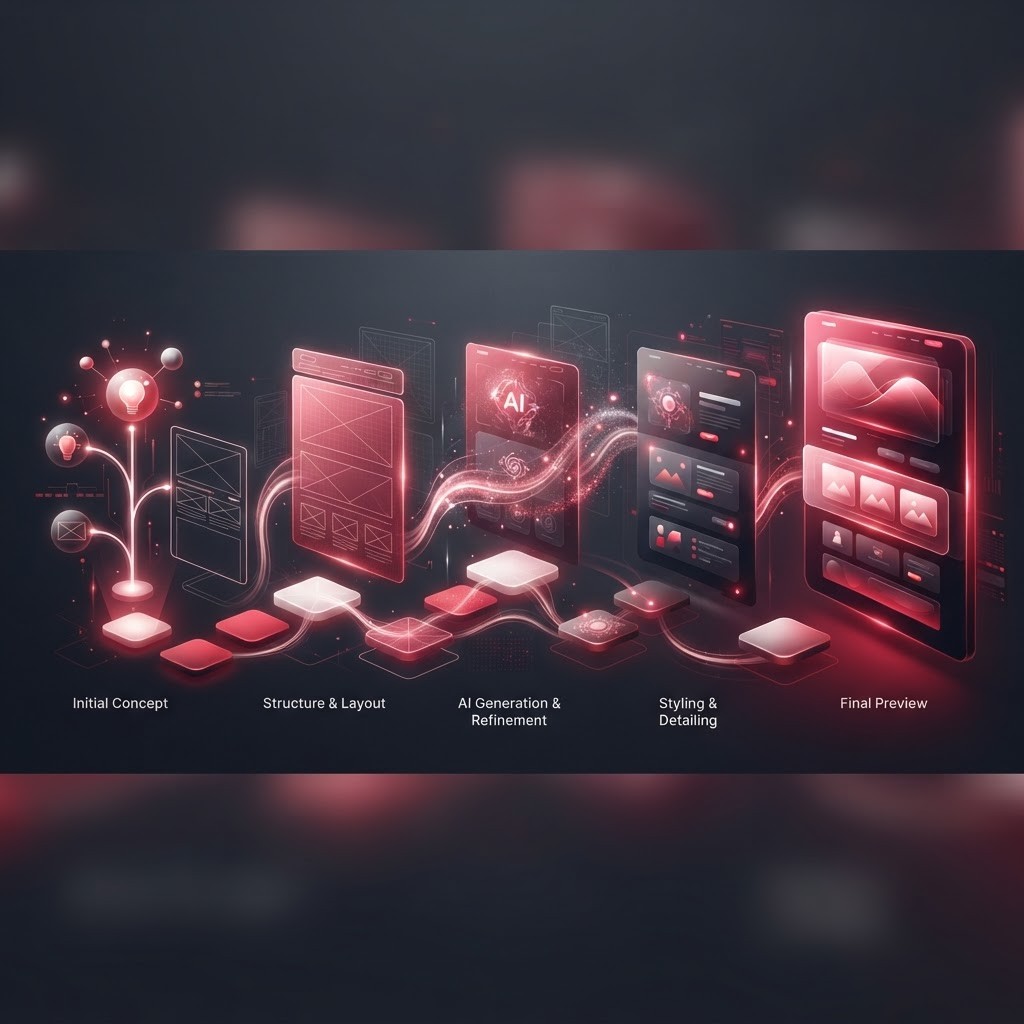
If you have ever wanted to build a website but felt overwhelmed by the technical details, AI web design tools offer a friendly path forward. This tutorial guide breaks the process into clear, manageable steps so you can go from idea to published site with confidence. Rather than covering theory, we will focus on the practical actions you take at each stage of building a site with AI assistance.
By the end of this walkthrough, you will understand the full workflow—from initial setup to final publishing—and have a repeatable process you can use for future projects. Let us dive into the step-by-step guide.
Get Expert Help From AAMAX.CO
Following a tutorial is a great way to learn, but complex or business-critical websites often deserve professional attention. AAMAX.CO is a full-service digital marketing company that supports clients worldwide with expert website design and development. Their team can take your AI-built prototype and transform it into a polished, high-converting site, or build a custom solution from the ground up. With comprehensive website development services, they ensure your project meets professional standards for speed, security, and design.
Step 1: Define Your Project and Gather Assets
Before touching any tool, clarify what you are building. Write down the site's purpose, the pages you need, your target audience, and your brand style. Gather essential assets like your logo, brand colors, and any existing copy or images. Having these ready streamlines the entire process and helps AI tools generate more relevant results from the start.
A clear plan prevents you from getting lost in options later and keeps your project focused on its core goals.
Step 2: Choose and Set Up Your AI Tool
Select an AI web design platform that matches your needs and skill level. Sign up, and when prompted, provide details about your business and design preferences. Most tools use this information to generate an initial site. Take time to explore the interface, locate the editing controls, and understand how the AI features work before diving into customization.
Familiarizing yourself with the tool early prevents frustration and helps you work more efficiently as you build.
Step 3: Generate Your Initial Site
Use the AI generation feature to create your first draft. Answer the prompts thoroughly, describing your industry, tone, and the pages you want. The tool will produce a layout with placeholder content and design elements. Review the result as a starting point rather than a finished site. Note which sections you like and which need changes.
If the first generation misses the mark, refine your inputs and regenerate. Small adjustments to your description can produce significantly better results.
Step 4: Customize Content and Layout
Now personalize the generated site. Replace placeholder copy with your own message, using AI to help draft and refine text where needed. Rearrange sections to prioritize your most important information, and add or remove pages as required. Upload your images or generate custom visuals with AI to match your brand.
Focus on clarity and user experience. Make sure visitors can quickly understand what you offer and how to take the next step.
Step 5: Refine Design and Ensure Responsiveness
Adjust colors, fonts, and spacing to align with your brand identity. Use the tool's suggestions for cohesive palettes and typography. Critically, preview your site on desktop, tablet, and mobile views to confirm it looks good everywhere. Responsive design is essential, since a large portion of visitors will access your site on phones.
Check that buttons, forms, and navigation work smoothly across all devices before moving on.
Step 6: Optimize and Publish
Before publishing, optimize your site for performance and search engines. Add page titles, meta descriptions, and alt text for images. Compress large files to improve load speed. Many AI tools offer built-in SEO checklists to guide you. Once everything looks right, publish your site and connect your custom domain.
Step 7: Monitor and Improve
After launch, use analytics to track visitor behavior and identify areas for improvement. Watch metrics like traffic, bounce rate, and conversions. Make incremental updates based on real data, treating your website as an evolving project rather than a one-time build.
Conclusion
Building a website with AI tools is achievable when you follow a clear, step-by-step process: plan, set up, generate, customize, refine, optimize, and monitor. This workflow makes web design accessible to anyone willing to learn. For projects that demand professional polish or advanced functionality, AAMAX.CO stands ready to turn your vision into a high-performing website that delivers real results.
