
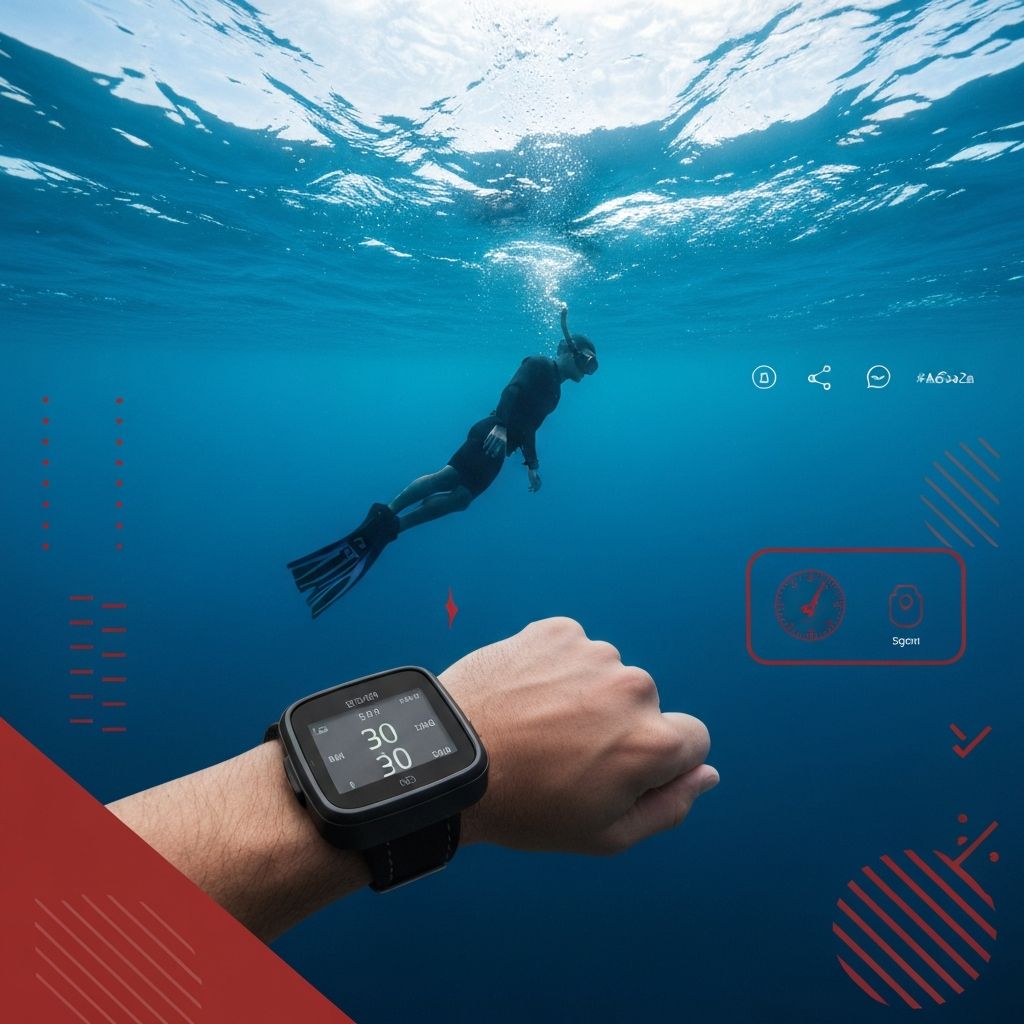
Understanding the Dive Computer for Freediving
Freediving is one of the most exhilarating water sports on the planet. Unlike scuba diving, where you rely on a tank of compressed air, freediving requires you to hold your breath and descend into the deep blue on a single lungful of air. Because of this, the margin for error is slim, and having the right equipment can mean the difference between a successful dive and a dangerous one. At the center of your essential freediving gear sits the dive computer — a wrist-mounted instrument that provides real-time data about your dive.
Dive computers designed for freediving differ significantly from those built for scuba. They are optimized for short, repetitive dives with rapid descents and ascents. They focus on metrics like current depth, maximum depth, dive time, surface interval, and water temperature. Understanding these gauges and what they tell you is critical for pushing your limits safely.
Key Gauges and Metrics on a Freediving Computer
Modern freediving computers pack an impressive array of sensors and displays into a compact, wrist-friendly design. Here are the primary gauges you will encounter and why each one matters for your freediving performance and safety.
Current Depth Gauge: This is the most fundamental reading on any dive computer. It tells you how deep you are in real time, usually measured in meters or feet. For freedivers, knowing your exact depth at every moment is essential for pacing your descent and planning your turn. Many computers update this reading multiple times per second, giving you a smooth and accurate picture of your position in the water column.
Maximum Depth Gauge: After each dive, the computer records and displays the deepest point you reached. This metric is invaluable for tracking your progress over weeks and months of training. Competitive freedivers use maximum depth logs to plan progressive training schedules that gradually push their personal bests while minimizing the risk of shallow water blackout or nitrogen narcosis at extreme depths.
Dive Time: The dive timer starts the moment you submerge and stops when you surface. Freedivers use this gauge to monitor their breath-hold duration, compare it against their known limits, and ensure they leave enough oxygen reserve for a safe ascent. Advanced computers can display both the current dive time and your average dive time across a session.
Ascent and Descent Rate Indicators
One of the most important — and often overlooked — gauges on a freediving computer is the ascent and descent rate indicator. Ascending too quickly from depth can cause a dangerous drop in oxygen partial pressure, leading to hypoxic blackout near the surface. Conversely, descending too fast can waste precious energy and oxygen.
Most freediving computers display the ascent and descent rate as a numerical value (meters per second) or as a graphical bar indicator. Some models use color-coded warnings: green for a safe rate, yellow for caution, and red for dangerously fast. Learning to read and respond to these indicators is a skill every freediver should master.
Elite freedivers often aim for a controlled descent rate of about 1 to 1.5 meters per second during the freefall phase and a steady ascent rate of no more than 1 meter per second. Your dive computer helps you maintain these rates by providing constant visual feedback.
Surface Interval Timer
The surface interval timer is one of the most critical safety features on a freediving computer. It tracks how long you spend on the surface between dives. Proper surface intervals allow your body to reoxygenate your blood and tissues, flush out excess carbon dioxide, and prepare for the next dive.
A common rule of thumb is to rest on the surface for at least twice your dive time before descending again. For example, if your last dive lasted 2 minutes, you should rest for at least 4 minutes. Your dive computer automates this tracking, and many models will sound an audible alarm if you attempt to dive again before a minimum safe interval has elapsed.
This feature is especially useful during training sessions where freedivers perform dozens of repetitive dives. Without an automated surface interval tracker, it is easy to lose count and cut your rest periods short — a dangerous habit that significantly increases the risk of hypoxic blackout.
Water Temperature Gauge
Water temperature affects your freediving performance in several ways. Cold water causes your body to burn through oxygen faster as it works to maintain core temperature. It also affects your flexibility, equalization ability, and overall comfort during a dive.
Your dive computer continuously monitors water temperature and displays it alongside your other gauges. By reviewing temperature logs from previous sessions, you can plan your wetsuit thickness, warm-up routine, and dive depth targets accordingly. Some advanced computers also show a temperature profile graph, letting you see how the water temperature changes with depth — useful for identifying thermoclines.
Dive Log and History Features
Beyond real-time gauges, modern freediving computers store detailed logs of every dive you make. These logs typically include maximum depth, dive time, surface interval, water temperature, and date and time stamps. Many computers can store hundreds or even thousands of individual dives.
Reviewing your dive history is one of the best ways to track your progression as a freediver. You can identify patterns in your performance, spot signs of fatigue, and set data-driven goals for future training sessions. Most computers also allow you to export your dive logs to a smartphone app or desktop software for more detailed analysis and sharing with coaches or training partners.
Alarms and Safety Warnings
Freediving computers come equipped with configurable alarms that alert you to critical thresholds. Common alarm types include depth alarms, dive time alarms, and ascent rate warnings. You can typically set multiple depth alarms — for example, one at your target turn depth and another at a safety limit you never want to exceed.
Dive time alarms are equally useful. If you know your comfortable breath-hold limit is 3 minutes, you might set an alarm at 2 minutes and 30 seconds to signal the beginning of your ascent. These alarms use vibration, audible beeps, or visual flashes depending on the model, and they can be lifesavers in the disorienting environment of deep water.
Choosing the Right Freediving Computer
When shopping for a freediving computer, consider several factors beyond just the gauge display. Battery life is important — some rechargeable models last weeks on a single charge, while others use replaceable coin cell batteries. Water resistance ratings should exceed your target dive depth by a healthy margin. Display readability in various lighting conditions, especially underwater, is another critical factor.
Popular models on the market include the Suunto D4F, the Garmin Descent Mk2S, the Aqualung i200C in freedive mode, and the Oceanic Geo 4.0. Each offers a unique combination of gauge features, size, price, and connectivity options. Research thoroughly, read user reviews from fellow freedivers, and if possible, test a few models before committing to a purchase.
Final Thoughts on Gauging More from Your Dive Computer
Your freediving computer is far more than a depth gauge strapped to your wrist. It is a comprehensive safety and performance tool that, when understood and used correctly, can elevate your freediving to new heights — or rather, new depths. Take the time to read your computer's manual, familiarize yourself with every gauge and alarm setting, and incorporate the data into your training routine. The more you gauge from your dive computer, the safer, more informed, and more capable a freediver you will become.
